10 Best Automated Invoice Scanning Tools (2026 Edition)
Processing invoices by hand takes time and leaves room for errors. As your company grows, you need tools that can read and structure invoice data automatically so your team can focus on higher-value work.
In this article, we talk about the top 10 automated invoice scanning tools worth considering based on accuracy, simplicity, integration options, and overall value.
Software
Best For
Key Features
InvoiceOCRSoftware.com
Teams needing fast, accurate, template-free invoice scanning
Reads PDFs/images/emails, captures line items & totals, exports to Excel/CSV/API, built-in validation
Lido
Teams wanting simple, accurate OCR with clean spreadsheet exports
AI OCR, line-item extraction, Excel/CSV exports, API integrations, onboarding support
AutomatedInvoiceScanning.com
Teams wanting a simple cloud tool focused on extraction
Reads varied formats, automated workflows, fast exports, cloud-based flexibility
Rossum
Organizations with high-volume, multi-format invoices
AI understanding engine, high accuracy, ERP connectors, human review options
Nanonets
Teams needing customizable machine-learning OCR
ML extraction, workflow builder, barcode/checkbox detection, ERP integrations
Enterprise OCR, structured/semi-structured extraction, validation rules, PO matching, ERP/RPA connections
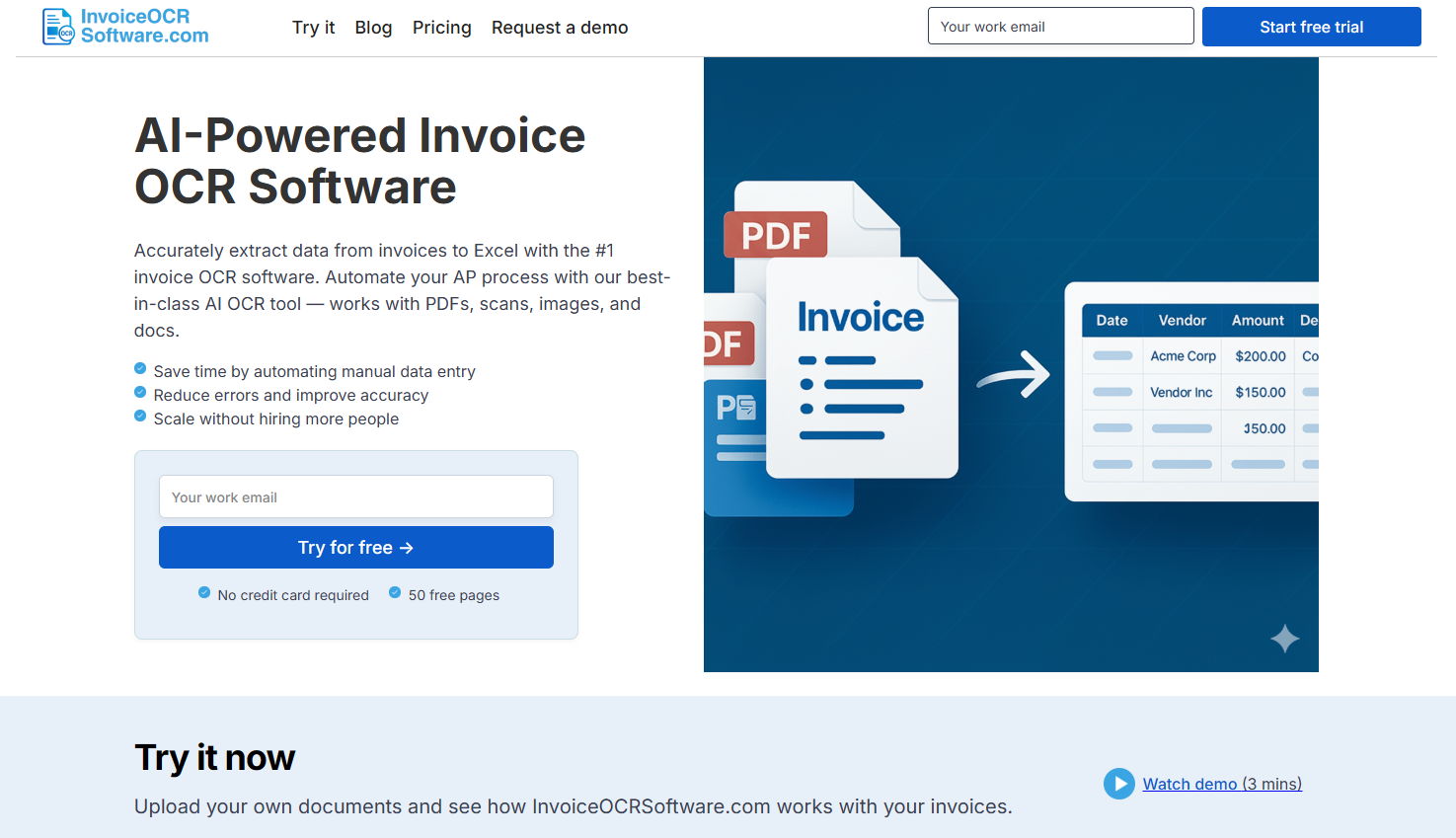
1. InvoiceOCRSoftware.com
InvoiceOCRSoftware.com gives AP teams a fast and accurate way to scan, extract, and organize invoice data without any complicated setup. It pulls key details like vendor info, invoice numbers, totals, dates, and line items from PDFs, scans, and email attachments. Everything is converted into clean structured data you can send to Excel, CSV, or your accounting system. The AI adapts to different layouts on its own so you don’t have to build templates or rules.
Key Features
Reads PDFs, image files, and email attachments
Captures invoice numbers, dates, totals, and line items
Exports to Excel, CSV, or through API
Template-free AI that adjusts to any invoice format
Built-in checks to keep data accurate and consistent
Pros
Built for fast, automated invoice scanning
No templates or coding needed
Strong accuracy across a wide range of invoice layouts
Simple export options for ERP and accounting tools
Things to Consider
Standard plan includes only one user and 100 pages
API access starts at higher tiers
Enterprise plan may be more than smaller teams need
Pricing
Standard: $29/month (1 user, 100 pages)
Scale: $3,950/year (10 users, 42,000 pages, API access)
Enterprise: From $20,000/year with unlimited pages and ERP integrations
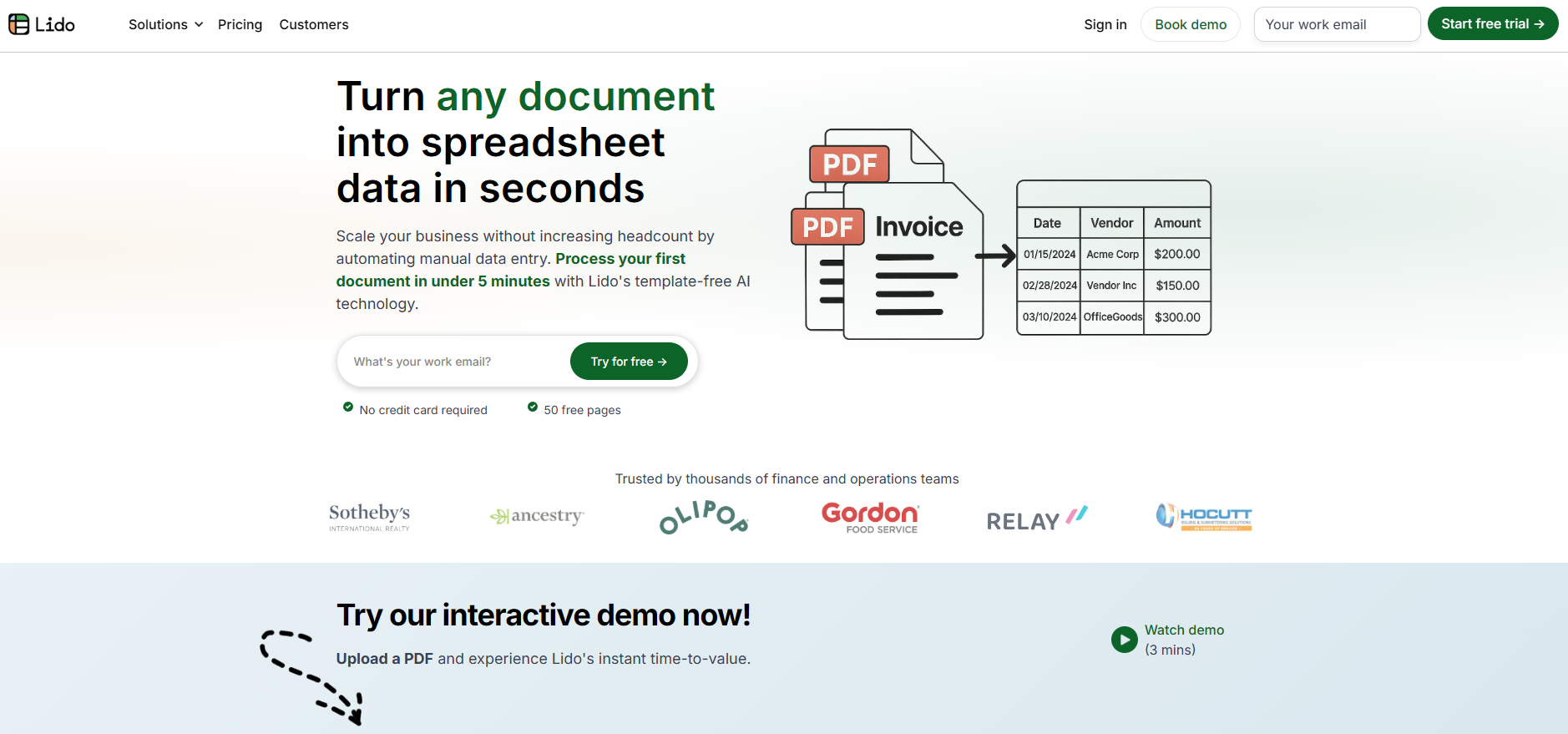
2. Lido
Lido uses AI-driven OCR to turn invoices into structured data with minimal setup. It’s a practical choice for both individuals and AP teams looking for reliable extraction and smooth exports.
Key Features
AI OCR that works with all file formats
Pulls out key fields and line items
Simple exports to Excel or CSV
API and integrations for advanced workflows
Onboarding support for enterprise teams
Things to Consider
API access requires upper-tier plans
Enterprise pricing may stretch small budgets
Pricing
Free: 50 pages
Standard: $29/month includes 1 user and 100 pages
Scale: $4,950/year covers 10 users, 42,000 pages, plus API access
Enterprise: From $25,000/year with unlimited pages and full ERP integration
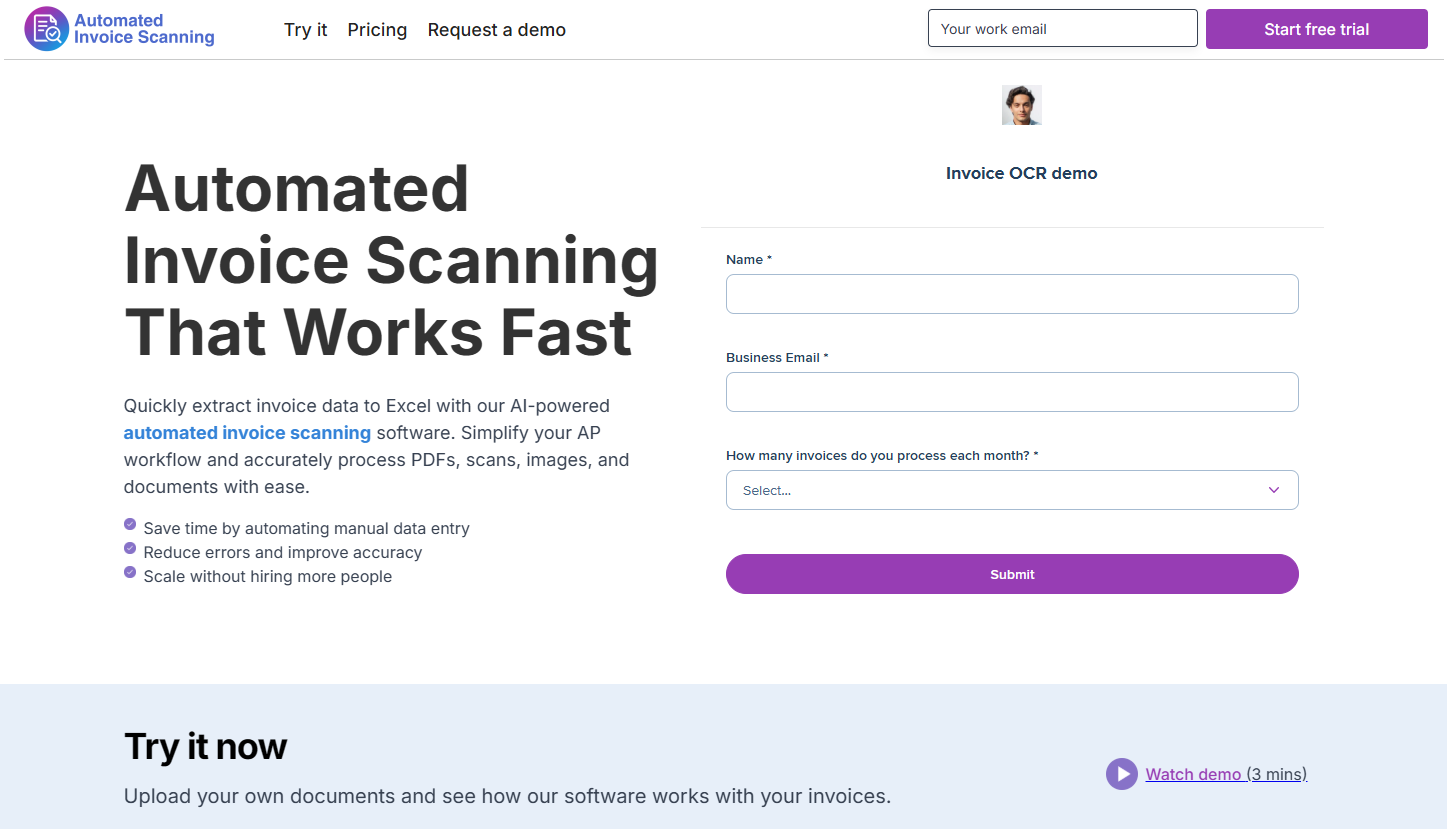
3. AutomatedInvoiceScanning.com
AutomatedInvoiceScanning.com platform focuses solely on fast, accurate invoice extraction. It’s built for teams that want a simple cloud-based solution without a long onboarding process.
Key Features
Reads a wide range of invoice formats
Automated workflows to reduce manual steps
Easy exports to accounting and ERP systems
Cloud-based for flexible access
Things to Consider
Limited to invoice use cases
Fewer customization options than larger suites
Advanced capabilities are plan-dependent
Pricing
Standard: $29 monthly for one user and up to 100 pages
Scale: $3,950 annually for 10 users, 42,000 pages, and API features
Enterprise: Begins at $20,000 per year with unlimited usage and ERP support
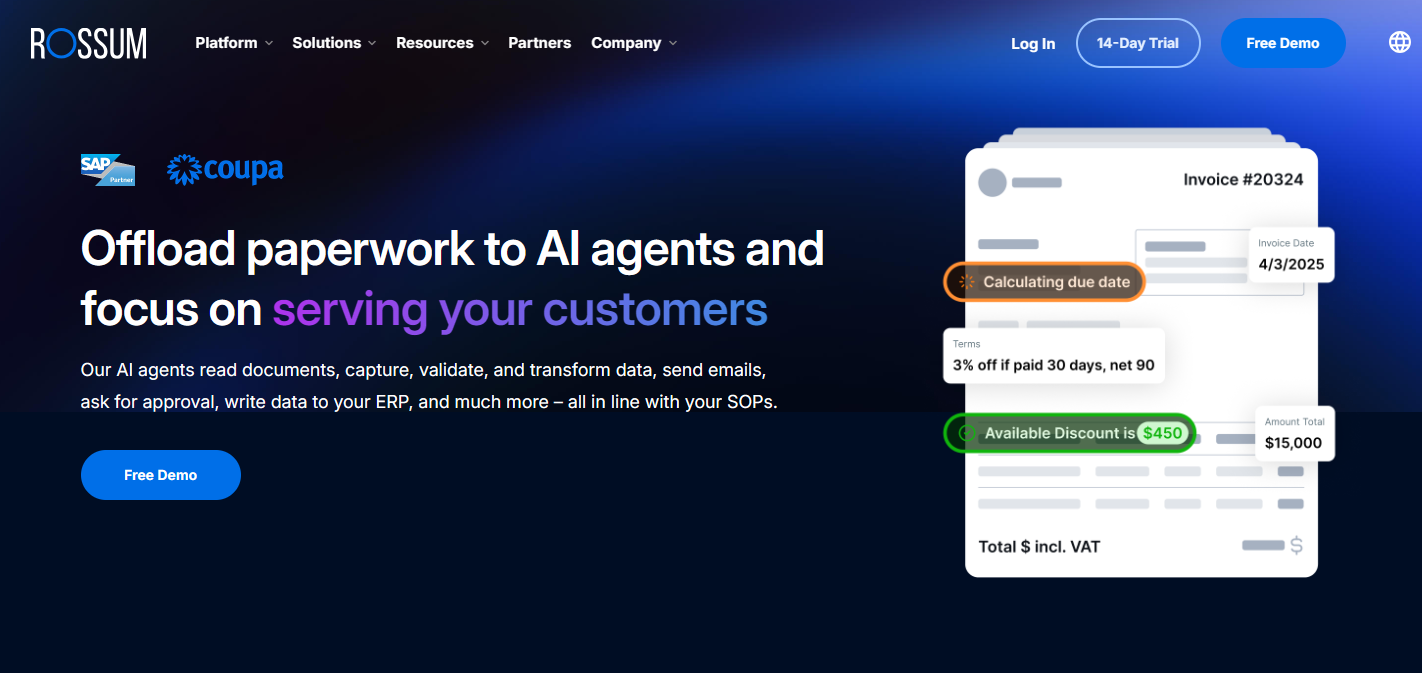
4. Rossum
Rossum uses an AI engine that understands invoice layouts rather than just reading text. This makes it especially strong for organizations processing large volumes of documents with varied formats.
Nanonets offers flexible machine-learning models that adapt to your documents. Its modular workflow design lets teams automate only the parts they need, keeping costs predictable.
Key Features
ML-based extraction for headers and line items
Modular workflow builder
Detects barcodes, checkboxes, classifications, and signatures
ERP and accounting integrations
Role-based access and analytics add-ons
Things to Consider
Compute-based usage can get costly at high volume
Some advanced tools are enterprise-only
Pricing
Free credits to start
Pay-as-you-go based on compute
Pro: $999/month for up to 10,000 pages
Enterprise: Custom
6. Tungsten Automation
Tungsten Automation (formerly Kofax) supports heavy-duty invoice capture with tools like AP Essentials and ReadSoft. It’s built for enterprise-grade processing and compliance.
Key Features
Captures invoices from scans, PDFs, XML, and paper
Intelligent data extraction with validation
Automated PO matching and approval flows
Global e-invoicing network
Integrations with leading ERP platforms
Things to Consider
Custom pricing only
Costs vary based on integration needs
Implementation may take time for large setups
Pricing
Custom based on volume and workflow complexity
7. Tipalti
Tipalti is a full AP automation suite that covers invoice capture, supplier onboarding, global payments, and tax compliance. It’s a fit for companies managing multiple entities or international vendors.
Key Features
AI invoice capture with automatic coding
Supplier portal for onboarding and tax forms
Global payment support with multiple currencies
PO matching and approval flows
Compliance and fraud monitoring
Things to Consider
More complex than simple OCR tools
Pricing increases with modules and usage
Pricing
Select: $99/month
Advanced: $199/month
Elevate/Enterprise: Custom
8. Coupa
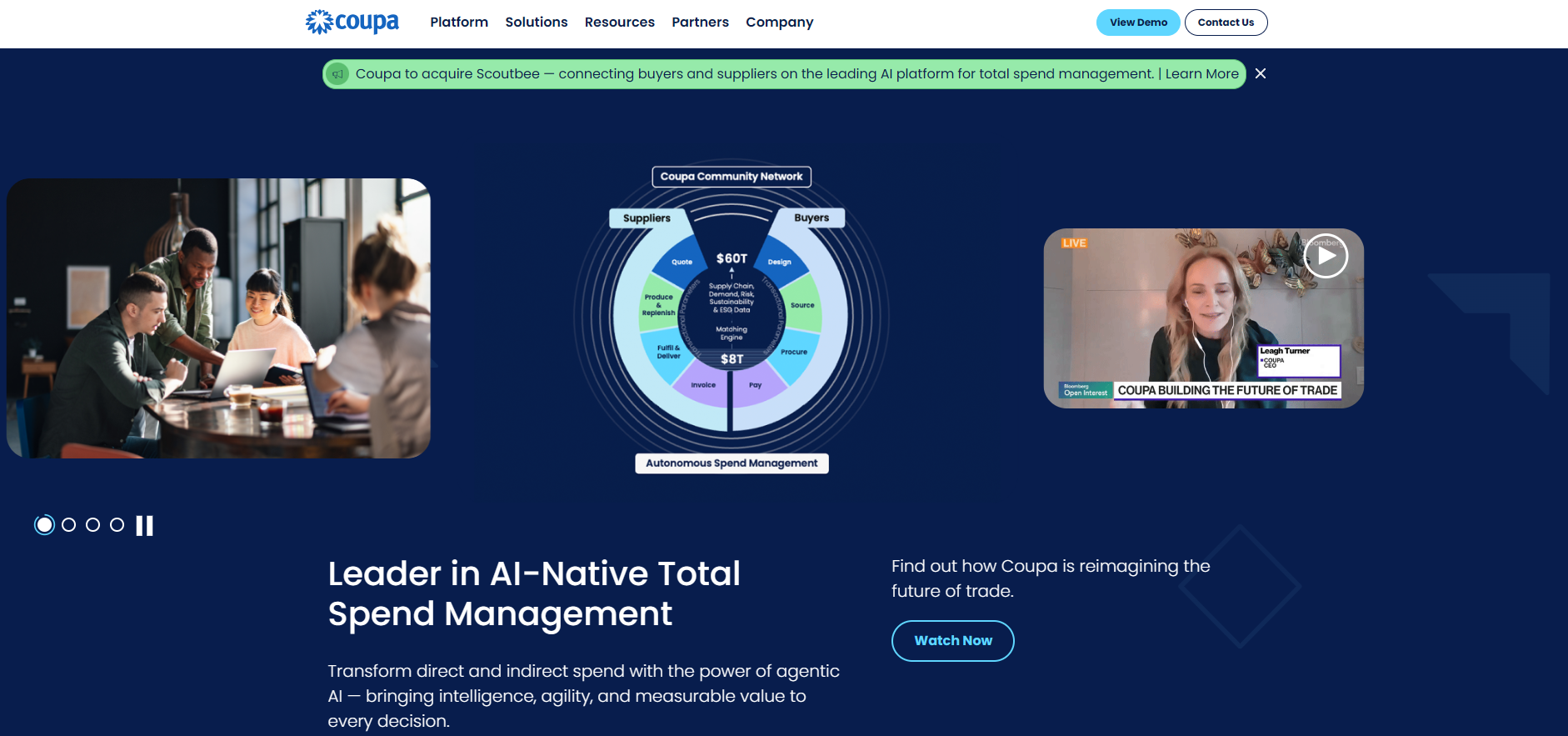
Coupa is a full spend-management platform with invoice scanning built in. Large organizations use it to centralize procurement, expenses, and AP operations in one system.
Key Features
Automated invoice processing and e-invoicing
Supplier and vendor management
Detailed analytics and policy controls
Integrations with major ERPs
Travel, expense, and procurement modules
Things to Consider
Higher cost than mid-market tools
Onboarding can be lengthy
Pricing requires consultation
Pricing
Starts around $2,500/month
Additional modules priced separately
9. Docsumo
Docsumo automates extraction from invoices, statements, receipts, and other financial documents. It suits teams that want both ready-made templates and the option to build custom models as they grow.
Key Features
Extracts fields, tables, line items, and signatures
Auto-classification and validation
API, webhooks, and export options
Audit logs and regional hosting for compliance
Things to Consider
High document volumes can raise costs
Some documents still require manual review
Advanced custom models are on higher plans
Pricing
Growth: $399/month for 3,000 pages and 3 users
Pro: Custom
Free trial available
10. ABBYY FlexiCapture
ABBYY FlexiCapture is an enterprise-grade platform known for its strong OCR engine and customizable workflows. It’s widely used by companies that need dependable extraction from invoices and other structured documents.
Key Features
High-accuracy OCR trained for invoices and business documents
Supports structured, semi-structured, and unstructured layouts
PO matching, validation rules, and exception handling
Integrations with ERP, RPA, and document management systems
Scales easily for large invoice volumes
Things to Consider
More technical to configure than simpler tools
Pricing is custom and depends heavily on volume
Best suited for mid-size and enterprise teams
Pricing
Custom based on deployment type, volume, and integrations
We hope you now have a better understanding of how to choose the right automated invoice scanning software for your business.