The Best OCR for Invoice Processing in 2026 (Our Top 10 Picks)
Manual invoice entry can slow teams down and lead to avoidable errors. OCR technology helps by turning scanned or digital invoices into structured data you can work with right away. Here are our top 10 picks for the best OCR software solution for invoice processing based on accuracy, simplicity, integration options, and overall value.
Software
Best For
Key Features
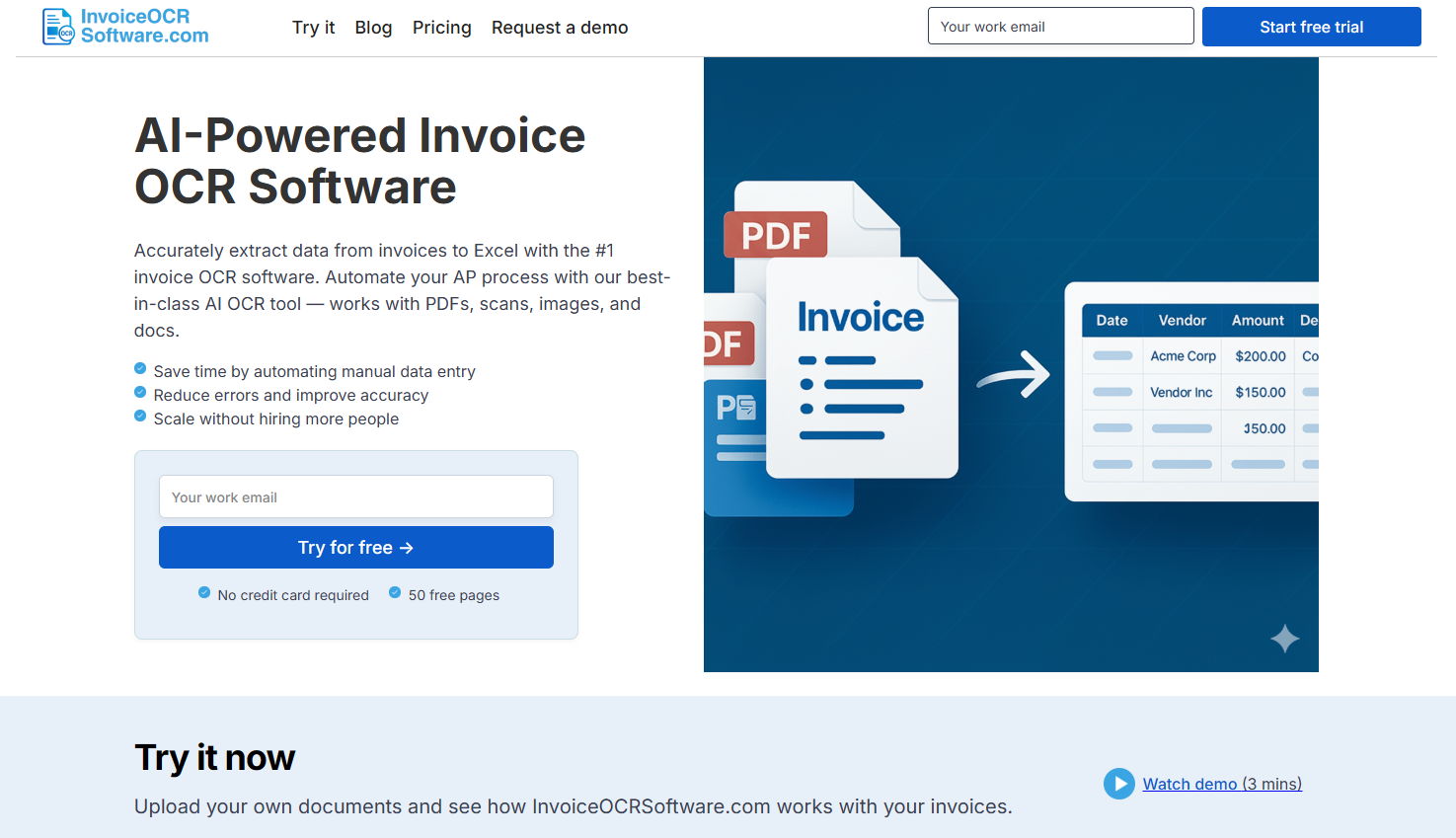
InvoiceOCRSoftware.com
Teams needing easy, accurate, template-free invoice OCR
InvoiceOCRSoftware.com gives teams an easy way to pull clean data from invoices without building templates or running complex setups. It reads vendor details, totals, dates, line items, and more from PDFs, images, and email attachments, then exports everything into your preferred format. It’s built for accuracy and simplicity, which makes it a strong fit for small teams and growing AP departments alike.
Key Features
Reads data from PDFs, images, and email attachments
Automatically captures invoice fields including totals, dates, and line items
Supports exports to CSV, Excel, and API
Template-free AI that adjusts to different layouts
Includes built-in validation checks
Pros
Easy setup, no templates
Strong extraction accuracy
Works well with most invoice formats
Good value for smaller teams
Cons
Standard plan limited to one user
API access requires a higher-tier plan
Enterprise pricing may exceed smaller budgets
Pricing
Standard: $29/month for one user and 100 pages
Scale: $3,950/year for 10 users, 42,000 pages, and API access
Enterprise: From $20,000/year with unlimited pages and ERP integrations
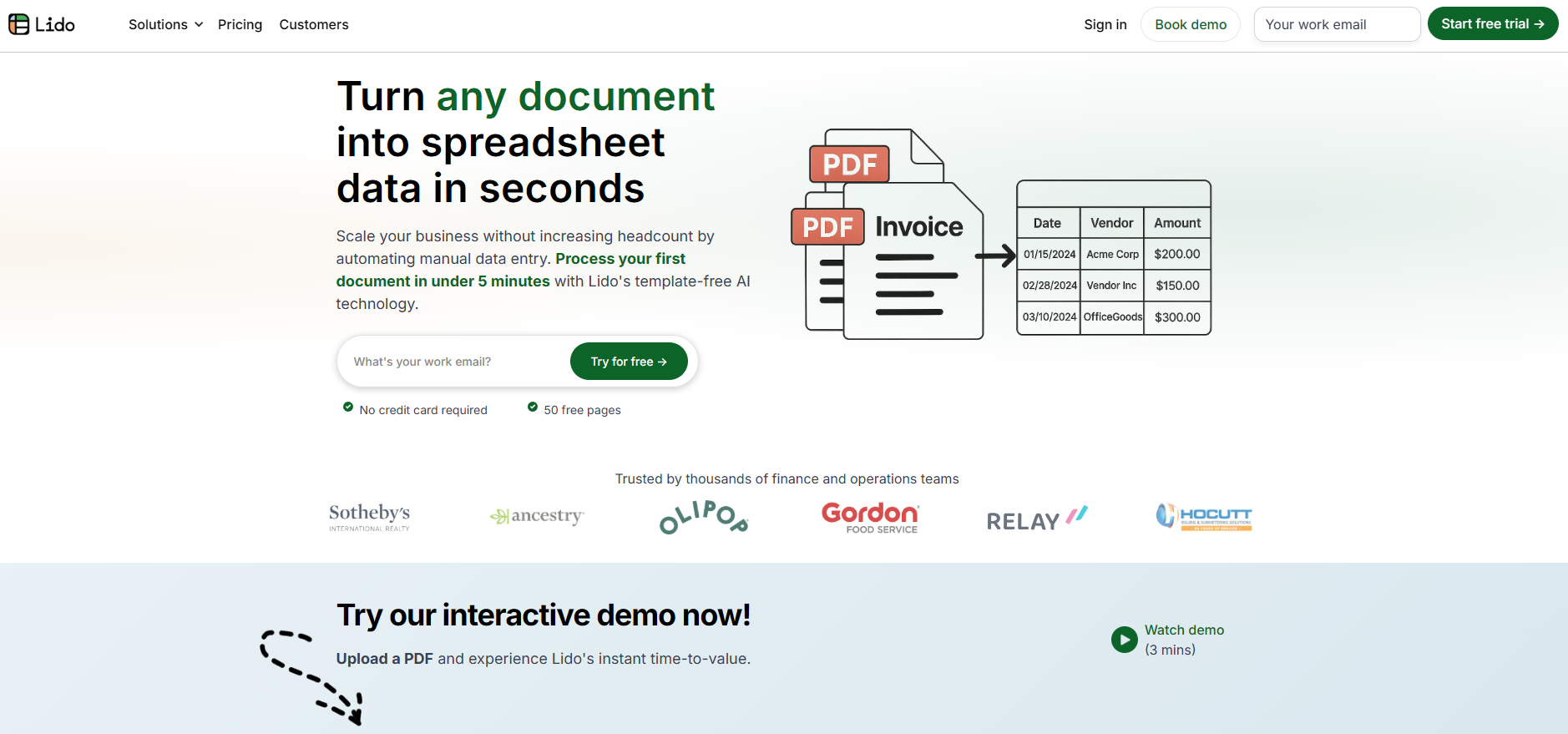
2. Lido
Lido uses AI to extract information from invoices, receipts, and similar financial documents, then sends the data directly into spreadsheets or connected systems. The platform is quick to set up and fits both smaller teams and larger organizations that want streamlined invoice workflows.
Key Features
OCR for PDFs, scans, and images
Flexible export options including API
Integration support for ERPs and automations
Priority onboarding for enterprise plans
Pros
Very simple learning curve
Accurate extraction
Flexible export formats
Scales easily for growing AP teams
Cons
OCR-only features may feel light for teams wanting full AP automation
Enterprise features require a higher plan
Pricing
Standard: $29/month for one user and 100 pages
Scale: $4,950/year for 10 users and 42,000 pages with API access
Enterprise: Starts around $25,000/year with custom features
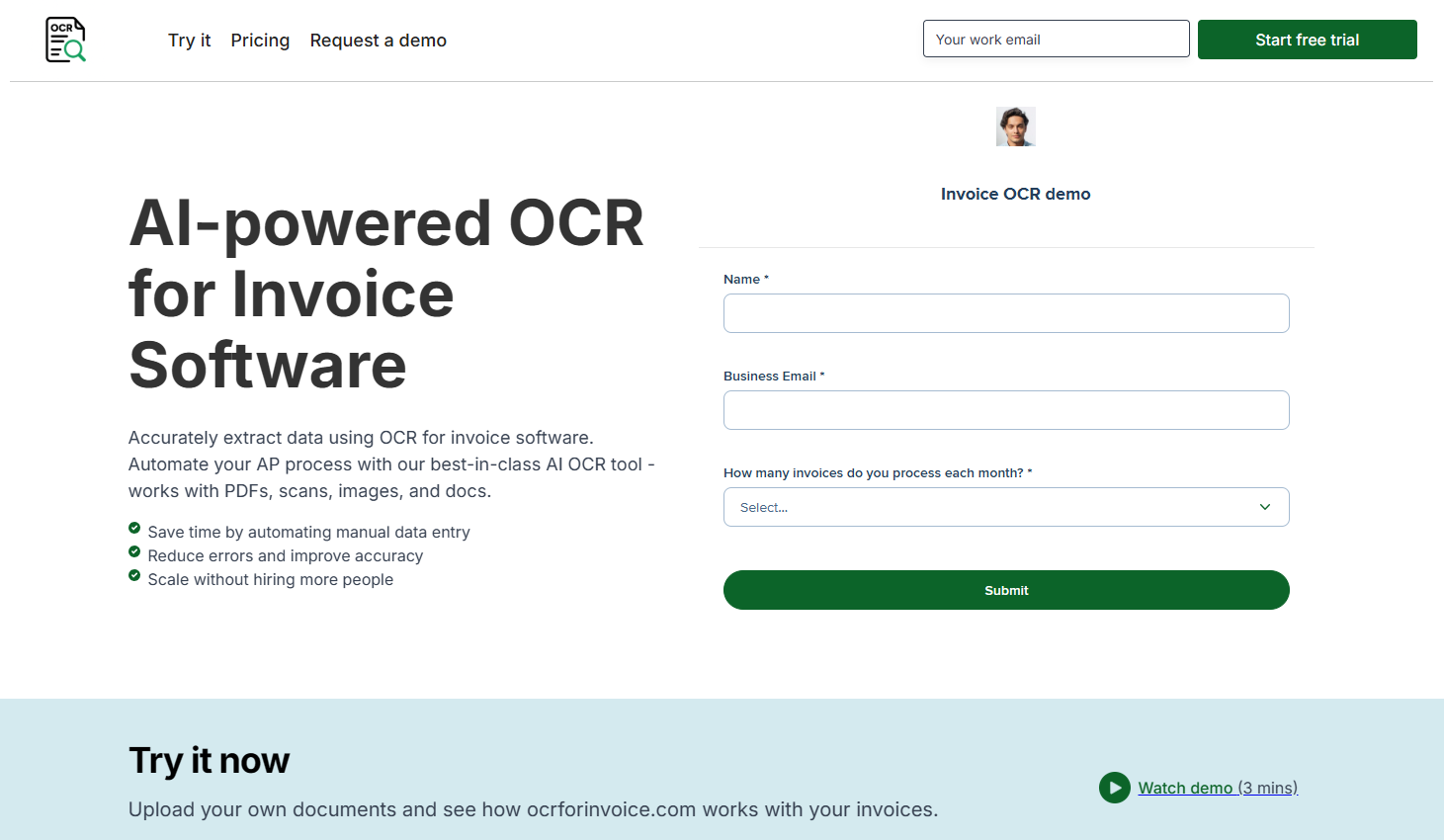
3. OCRforInvoice.com
OCRforInvoice.com focuses on simple, clean invoice data extraction without the bulk of full document-processing platforms. It reads key invoice fields across many layouts and gives teams ready-to-use structured data for AP workflows.
Key Features
Extracts vendors, totals, dates, and line items
Works with many invoice formats
CSV, Excel, and API export options
Supports automated processing flows
Pros
Very straightforward tool
Fast processing for high volumes
Good accuracy for core invoice fields
Cons
Limited advanced automation
Interface is simpler than full AP systems
Pricing
Standard: $29/month for one user and 100 pages
Scale: $3,950/year with 10 users, 42,000 pages, and API
Enterprise: From $20,000/year with ERP integrations
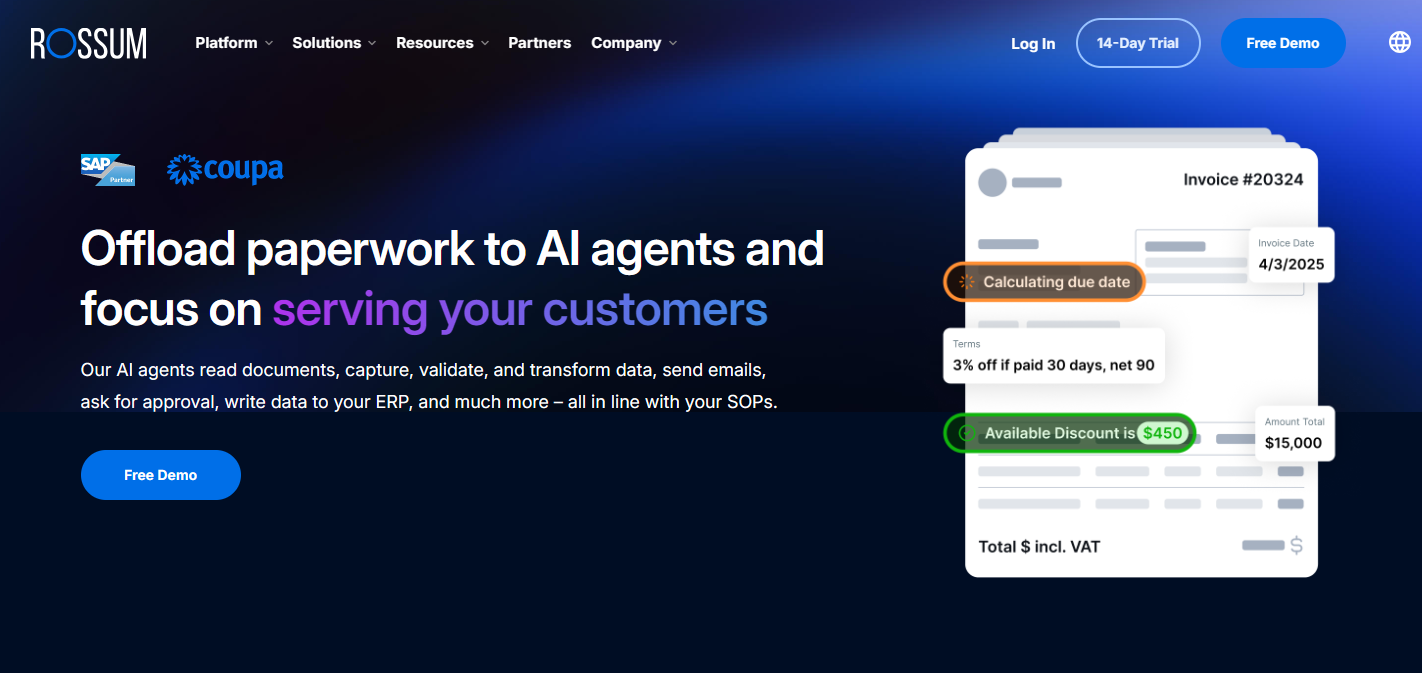
4. Rossum
Rossum uses cognitive OCR that not only reads text but also understands document structure. This makes it a strong choice for teams that process high volumes and need minimal manual correction. Its validation layer and integration options make it popular among complex AP setups.
Key Features
Learns document patterns with AI
Human-in-the-loop review
Connects with ERP and RPA tools
API-based design
Pros
Very strong accuracy for complex layouts
Reduces manual corrections
Good for large-scale processing
Cons
Higher starting price
Setup may feel heavy for smaller businesses
Pricing
Starter: About $18,000/year
Enterprise: Custom based on volume and workflow
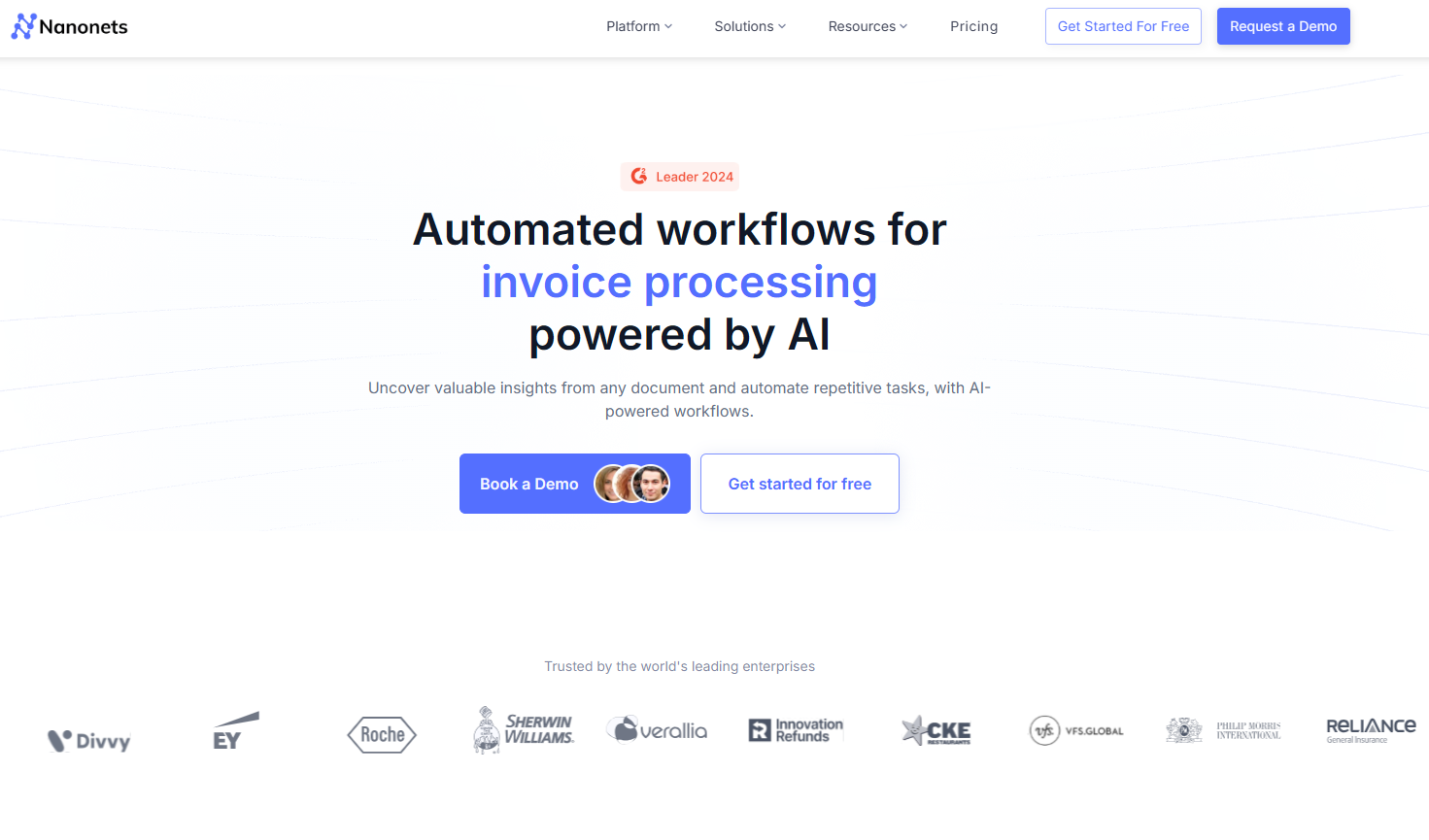
5. Nanonets
Nanonets offers flexible, AI-powered OCR with no-code setup, making it suitable for any business size. It’s built for fast data extraction, automated line-item capture, and smooth integrations through its API-first approach.
Key Features
AI-driven OCR and validation
Auto-extraction of line items
No-code workflows and API support
Multi-language recognition
Role-based access for teams
Pros
Easy setup without coding
Handles line items well
Scales up or down easily
Cons
Costs add up for heavy usage
Advanced automation requires configuration
Pricing
Free: $200 in credits
Pro: $999/month for up to 10,000 pages
Overage: ~$0.10/page
Enterprise: Custom
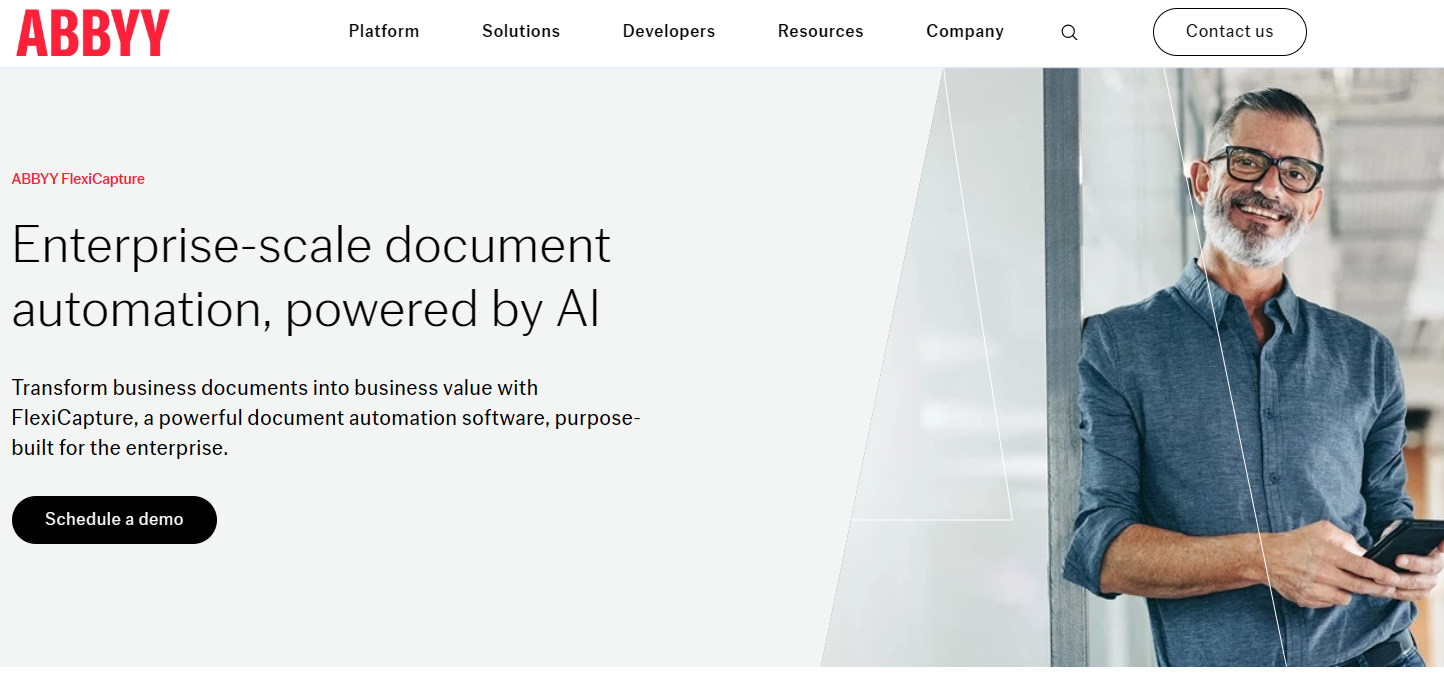
6. ABBYY FlexiCapture
ABBYY FlexiCapture is a long-standing enterprise OCR solution known for accuracy and scale. It handles high-volume invoice processing, sorting, and validation with ease and integrates well with complex enterprise systems.
Key Features
OCR support for 200+ languages
Auto-classification and validation
Custom workflows and broad integrations
Built for large workloads
Pros
Extremely reliable and accurate
Built for enterprise-level workloads
Strong customization options
Cons
Higher learning curve
Pricing is fully custom and generally expensive
Pricing
Custom enterprise pricing
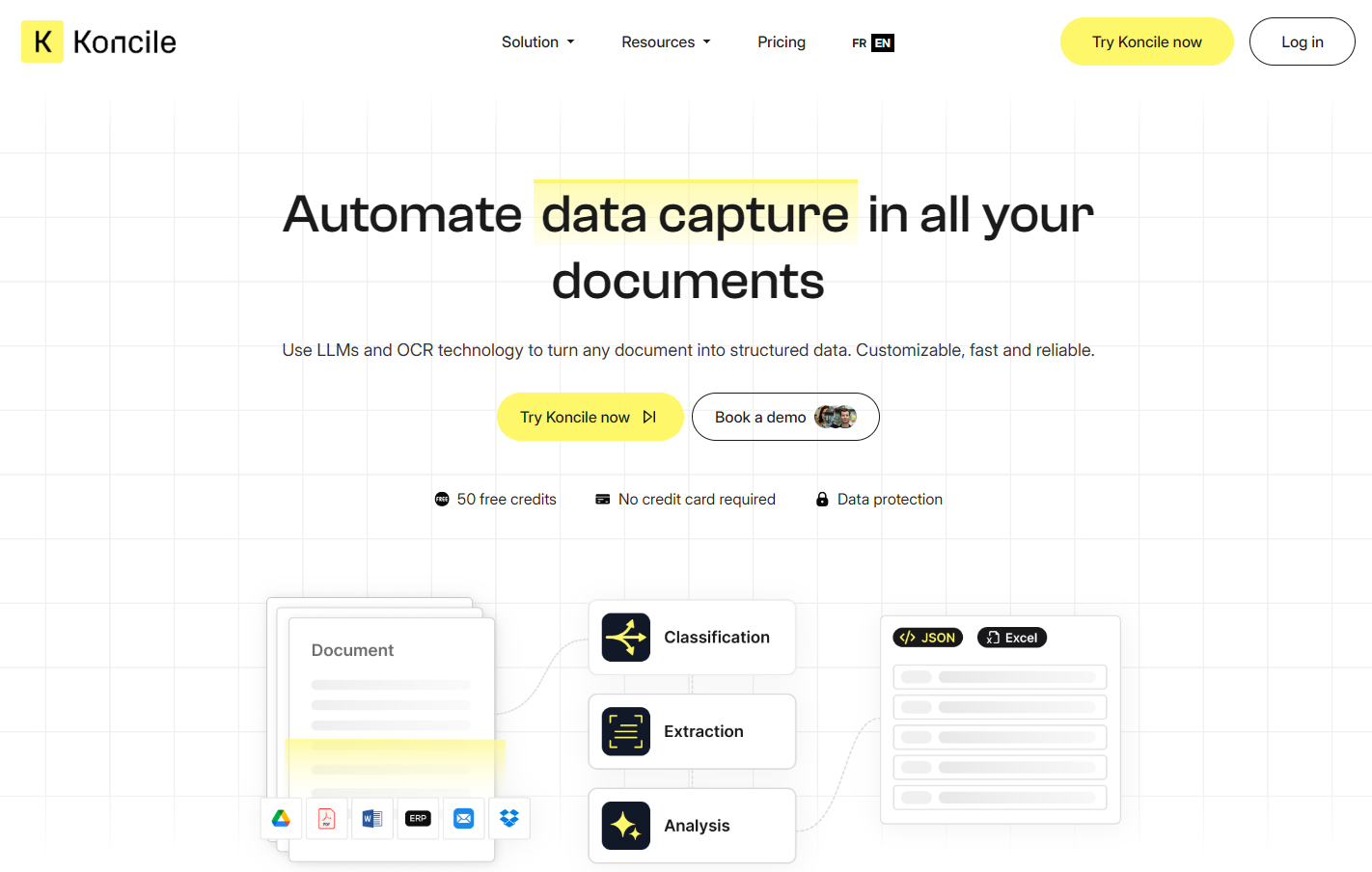
7. Koncile
Koncile is designed for teams that need reliable invoice reconciliation. It captures invoice data with OCR and pairs it with purchase orders and payment records smoothly. It’s user-friendly and cost-effective while still offering strong automation.
Key Features
OCR-based capture with reconciliation
Matches invoices against POs and payments
API-first structure for ERP integrations
Secure cloud platform
Pros
Excellent for reconciliation-heavy teams
Simple to use
Affordable compared to larger AP suites
Cons
Not a full AP automation tool
May lack advanced workflow features
Pricing
Starts at €49/month (usage-based tiers apply)
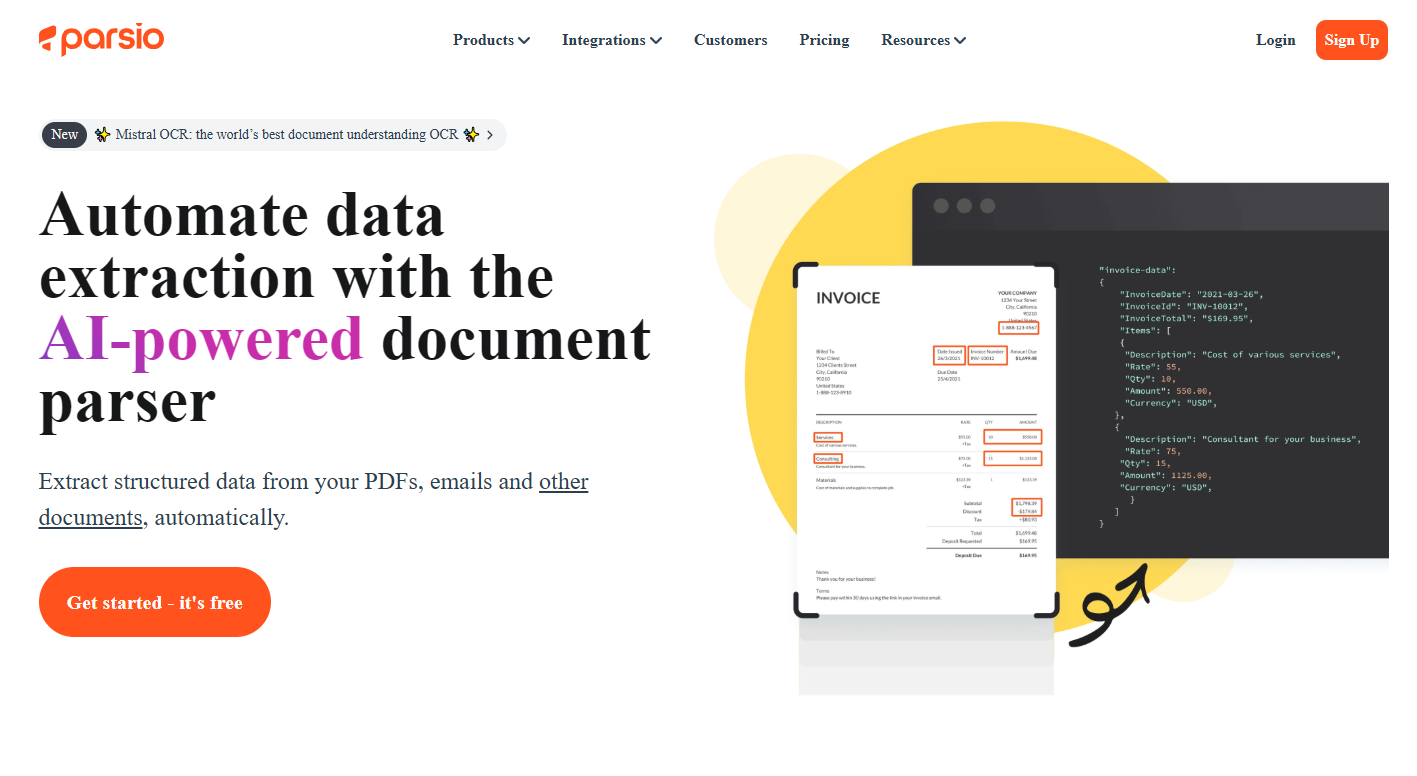
8. Parsio
Parsio is ideal for teams that receive invoices through email. It uses OCR and email parsing to extract invoice data automatically from attachments and move it into structured outputs. It works well for teams that want simple, no-code automation.
Key Features
Email parsing + OCR in one workflow
No-code automation options
Integrates with Zapier, CRM tools, and webhooks
Cloud-based with scalable plans
Pros
Great for inbox-heavy workflows
Fast setup
Affordable for smaller companies
Cons
Credits can run out quickly with large volumes
Limited advanced data validation
Pricing
Free Sandbox: 30 credits
Starter: $41/month
Growth: $124/month
Business: $249/month with extended retention and support
9. Docsumo
Docsumo handles invoices, receipts, and financial documents with high accuracy. Its AI extracts structured data and provides built-in analytics and a review layer for teams that need strong quality control. It’s a good match for mid-sized and enterprise teams.
Key Features
AI-powered extraction
Pre-trained templates with analytics
Review tools for accuracy
API and integrations
Pros
Strong analytics and validation layer
Good accuracy
Flexible for different document types
Cons
Entry-level pricing is higher than simple OCR tools
Best suited for mid-size and enterprise teams
Pricing
Growth: $399/month for up to 36,000 pages/year
Pro: Custom
10. Tipalti
Tipalti is a widely used AP automation platform that includes strong invoice OCR capabilities. It’s designed for companies that want end-to-end invoice handling along with approvals, payment processing, and global vendor management. Its built-in OCR helps teams cut manual entry while keeping everything standardized and compliant.
Key Features
OCR-based invoice capture with automated field extraction
Approval workflows and payment scheduling
Global vendor management and tax compliance support
Integrates with ERP and accounting systems
Real-time visibility into AP status and spend
Pros
Well-established and trusted in AP
Covers the entire invoice-to-pay process
Strong compliance features
Great for scaling companies
Cons
Pricing can be high for smaller teams
More complex than standalone OCR tools
Pricing
Pricing is modular and based on features
Typically suited for mid-size to large teams needing complete AP automation
We hope you now have a better understanding of how to choose the right OCR software for invoice processing.